

Find Best Smart Home Security Insurance UK for You
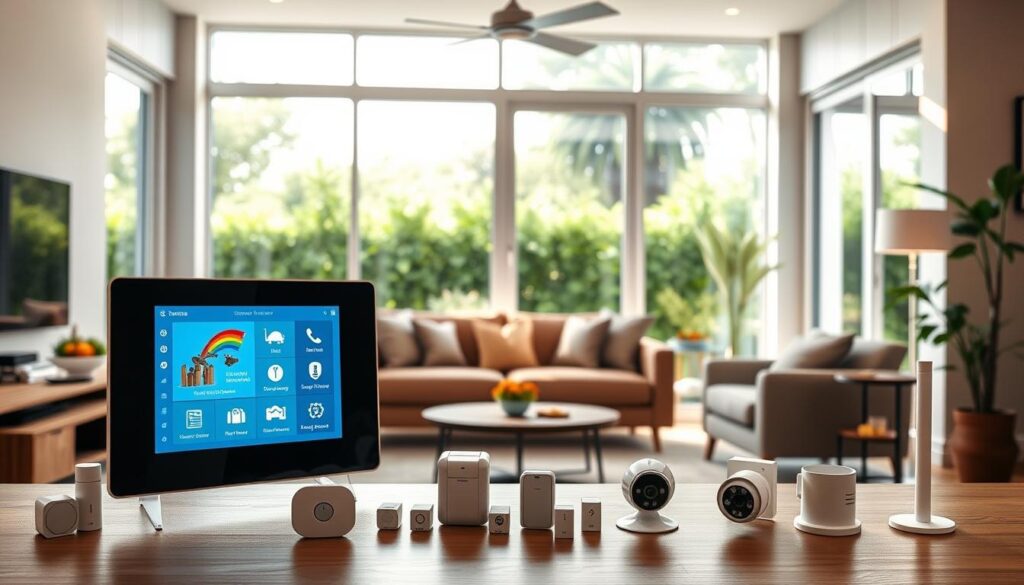
One evening, you get a ping on your phone and see your kitchen camera catch a dripping pipe before it floods the floor. You turn off the stopcock on your way home and avoid a big claim. That quick alert shows how connected devices can save time and money, and give real peace of mind.
Today’s Wi‑Fi cameras, door sensors and smart locks make a strong case for adding simple safety features. Insurers often value secure locks and detectors, so fitting these can improve cover and may lower premiums over time.
You’ll get a friendly guide to the options that suit your budget and lifestyle. We’ll explain how cameras, sensors and an alarm can form a cohesive system you control from your phone. You’ll also learn which home devices give the biggest day‑one benefits without fuss.
Table of Contents
- What this Buyer’s Guide covers today in the UK
- Smart home security insurance explained
- Why smart devices matter for risk, claims and peace of mind
- Alarm and security system options to consider
- Insurer-led solutions in the UK: spotlight on Neos by Aviva
- Best smart home security insurance UK: what to look for
- Essential smart devices that insurers value
- Brand ecosystem choices: Ring, Google Nest and SmartThings
- Costs, savings and the reality of insurance premiums
- Installation pathways: DIY, professionally installed and maintenance
- Your step-by-step buyer checklist
- Make your smart home safer today with the right cover
What this Buyer’s Guide covers today in the UK
Visualise a short checklist that tells you which alarms and detectors matter most for your policy. This section maps the guide so you can find practical answers quickly.
You’ll see how a modern system differs from old approaches and which cover types and policy choices matter now. We explain essential systems and alarms in plain terms so you can shortlist sensible options without jargon.
There’s clear advice on how insurers factor devices into risk assessments, and when professional installation is advisable versus a DIY route. We note standards that affect acceptance by providers or monitoring firms.
- Pros and cons of bells‑only, monitored and app‑managed systems.
- What to check for in features, compatibility and ongoing costs.
- An insurer‑led package you can compare with a DIY setup.
- A step‑by‑step checklist and tips for keeping documentation ready for claims.
Smart home security insurance explained
When sensors send real-time alerts, you may stop a small fault from becoming extensive damage — and insurers are taking note. Installed devices are not yet standard across every policy, but they can change how a claim plays out by reducing harm and speeding response.
How it differs from traditional home insurance
Active monitoring shifts the approach from pay‑out after an event to early detection and mitigation. Some newer offers bundle kit with cover, while many older insurers still expect an approved alarm, good locks and smoke detectors before they will accept a claim.
Buildings, contents and combined cover at a glance
Buildings cover looks after structural repair. Contents insurance protects your possessions. A combined policy covers both in one plan.
- Connected signals can reduce the scale of damage from water, fire or theft.
- Insurers often ask for evidence: receipts, device serials or certificate of installation.
- Premia may not drop straight away, but fewer claims can help renewals later.
For a quick way to compare options and see if bundling kit with your plan suits you, try this link to compare renters insurance.
Why smart devices matter for risk, claims and peace of mind
Real‑time notifications from devices give you the edge to stop damage and reduce disruption. Modern kit leak detectors, smoke and CO alarms, cameras and door sensors sends alerts so you can act fast.
Prevention cuts claim size: quick action can limit escape of water, slow fire spread or deter intruders. Over time, fewer and smaller claims can help when you renew a policy.
From prevention to faster alerts: water, fire and intrusion
Use detectors and sensors together to build a reliable system. Motion detection, activity zones and two‑way audio add context and reduce false alarms.
- You can shut off water or call a neighbour the moment a leak alert arrives.
- Connected smoke and CO detectors warn you even when you aren’t at the building.
- Door and window sensors notify you if intruders try to enter, giving quick evidence for police or claims.
- Cloud clips and timelines help prove what happened and when, speeding up case handling.
"Layering detectors, cameras and sensors gives far more protection than relying on one device alone."
Simple tips: test alerts regularly, set trusted contacts and tune activity zones. Small checks make your system more dependable and your peace of mind much stronger.
For more on how modern systems are evolving, see this technology overview.
Alarm and security system options to consider
Some alarms only scare off intruders; others call a company or the police when things go wrong.
Bells-only alarms: low cost deterrence
Bells-only units flash and sound for up to 20 minutes before an auto cut‑off. They are affordable and can deter casual burglars, but they do not alert a keyholder or the police.
Monitored alarms: keyholder vs police response
Monitored systems link to a monitoring company for a fee and often need to be professionally installed to meet standards. Keyholder monitoring calls you for a password and then alerts a nominated keyholder who must be nearby.
Police response follows NPCC policy: two verified activations may prompt police attendance; three false triggers in 12 months can stop police response.
App-managed systems you control by phone
App-managed systems join cameras, motion and contact sensors to a hub over Wi‑Fi. You can arm, disarm and view live clips from your phone, which helps with rapid checks and evidence for claims.
Wired versus wireless installation
Wired installs use cabling and give neat, reliable connections but raise install costs. Wireless kits are battery-powered, DIY-friendly and flexible for flats or rented rooms.
Dummy alarm boxes: pros and cons
Dummy boxes may deter opportunists but are easy for trained intruders to spot. For real protection, include recording cameras or monitoring so incidents are logged and acted on.
- Compare local sirens with monitored services to match response to your neighbourhood and budget.
- Check what “professionally installed” means for insurer acceptance and monitoring centres.
- Configure motion and contact sensors to cut nuisance triggers while protecting main entry points.
Insurer-led solutions in the UK: spotlight on Neos by Aviva
Neos, owned by Aviva, bundles a ready kit with your insurance policy so you do not need to pick individual devices. That kit can include up to nine wireless items such as an HD indoor camera, flood sensor, smoke detector, door contact and motion sensors. The connected app ties the system together and sends 24/7 real‑time alerts to your phone.
Included devices and the connected app
The app gives live clips, event timelines and in‑app access to trades to fix leaks or faults quickly. This pathway aims to reduce claim sizes by enabling faster action and clearer evidence for any claim.
Good, Better, Best package levels
| Tier | Typical devices | Cover type | Key benefit |
|---|---|---|---|
| Good | Basic sensors, one camera | Contents or tenants’ contents | Starter protection with app alerts |
| Better | Additional motion & flood sensors | Combined cover option | Broader detection and faster trades access |
| Best | Up to nine devices, full kit | Buildings and contents | Most comprehensive system and response |
- Tenants: check landlord consent before installing any kit.
- Compare this insurer‑led route with building your own setup to weigh convenience against customisation.
- For more detail or to ask an expert, see an expert profile.
Best smart home security insurance UK: what to look for
Look for cover that reflects your building type and where risks concentrate, such as basements or outbuildings.
Policy features that suit your property and risk
Choose a policy that matches your layout. Flats, terraces and larger family houses have different exposure points and needs.
Check sums insured, cover for outbuildings, and whether the insurer values connected detectors or cameras when settling claims.
Compatibility with your phone, Wi‑Fi and assistants
Whatever system you select, verify it works with your phone and router. A weak Wi‑Fi signal will leave devices offline and alerts delayed.
If you use voice assistants, confirm integration before buying to avoid returns or extra kit.
Professional installation requirements and standards
Some monitored alarms must be professionally installed and meet defined standards for the policy to accept them.
Look for certificates or installer details you can add to your policy documents to speed claims handling.
| Area | What to check | Why it matters |
|---|---|---|
| Policy cover | Buildings, contents, outbuildings | Ensures events are covered where they occur |
| Device compatibility | Phone app, router, assistants | Keeps alerts timely and evidence accessible |
| Installation | Professionally installed vs DIY | Insurer acceptance and response levels |
- Assess entry points and leak‑prone areas before buying devices.
- Compare warranties, firmware updates and customer support.
- Confirm any policy conditions, such as alarm grades or working smoke detectors.
Essential smart devices that insurers value
A few targeted pieces of kit often deliver the biggest uplift in protection and evidence.
Security cameras and video doorbells
Security cameras indoor and outdoor give visual proof and deter intruders. Look for two‑way audio, night vision and activity zones. Note many advanced features need a subscription for extended clips.
Motion, door and window sensors
Small battery sensors send instant alerts when doors or windows open. Reliable motion detection reduces false alarms and focuses response where it matters.
Smart locks and access control
Keypads, locks and access logs help you manage entry. They add accountability and can speed claim checks by showing who entered and when.
Smoke, CO and leak detectors
Detectors that warn your phone cut costly damage. Leak sensors are low cost but high impact; some can trigger an auto shut‑off valve.
Thermostats, lights and presence simulation
Thermostats and timed lights simulate occupancy and prevent frozen pipes. These small changes lower risk and work well with other systems in one app.
| Device type | Typical features | Why insurers value it | Notes |
|---|---|---|---|
| Security cameras | Two‑way audio, night vision, activity zones | Evidence for claims and deterrence | May need subscription for history |
| Sensors (door/window, motion) | Battery, instant alerts, tamper reports | Early intrusion detection | Place at entries and upstairs landings |
| Detectors (smoke, CO, leak) | Phone alerts, auto shut‑off (some) | Prevents high‑cost incidents | Fit near kitchens, boilers and pipes |
Brand ecosystem choices: Ring, Google Nest and SmartThings
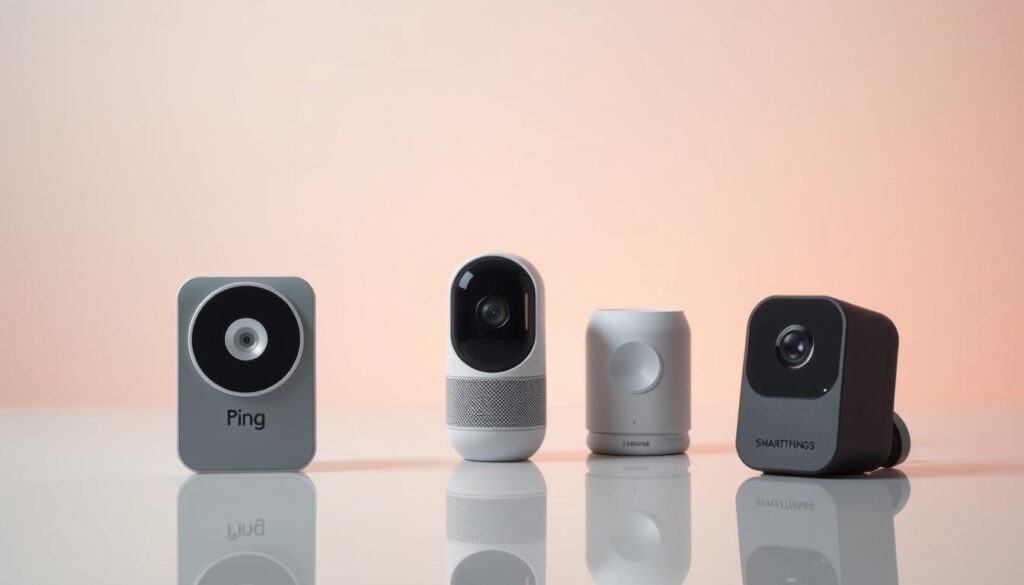
A joined-up platform helps your devices share status, record clips and notify you without multiple logins. Choosing the right ecosystem shapes how simple your control and monitoring will be.
Working together: hubs, apps and alerts
Ring and Google Nest focus on easy app access and video doorbells and cameras you can view on your phone. They are not tied to any single insurer but provide clear live footage and notifications.
SmartThings acts as a bridge, letting devices from different firms work under one app. This helps avoid app fragmentation and keeps sensors, lights and cameras in a single control view.
Reliance on a stable internet connection
A reliable broadband link is essential for timely alerts, live video and cloud recordings. Poor Wi‑Fi or limited mobile data can delay clips and leave gaps in evidence when you need it most.
- Pick a primary ecosystem that covers your main needs to reduce login juggling.
- Check how each company handles account sharing and multi‑user access.
- Watch update and support lifecycles so devices keep working with your chosen platform.
Work out the likely costs up front so you can balance kit choices and ongoing charges against real gains to your cover. Many insurers still favour proven measures such as approved alarms, smoke detectors and secure locks when setting terms.
Upfront cost varies widely: simple leak detectors and smoke/CO alarms are low cost, while cameras and professional fits add to the bill.
Subscriptions for extended video history or AI features increase running cost, so factor those into your two‑ to three‑year plans.
How prevention may lower future claims and renewal rises
Preventing or limiting damage can cut claim size and frequency. That helps contain renewal rises even where there is no immediate discount.
Record upgrades and keep receipts so you can show your insurer reduced risk when it’s time to renew.
| Item | Typical cost | Potential effect on premiums |
|---|---|---|
| Leak detector | £20–£60 | May reduce damage and claims; helps long‑term savings |
| Smoke/CO alarm | £15–£80 | Often recognised by insurers; lowers fire risk |
| Camera + subscription | £50–£300 + monthly fee | Improves evidence; subscription adds running cost |
| Professional installation | £80–£300 | May be required for monitored policies; can aid acceptance |
Installation pathways: DIY, professionally installed and maintenance
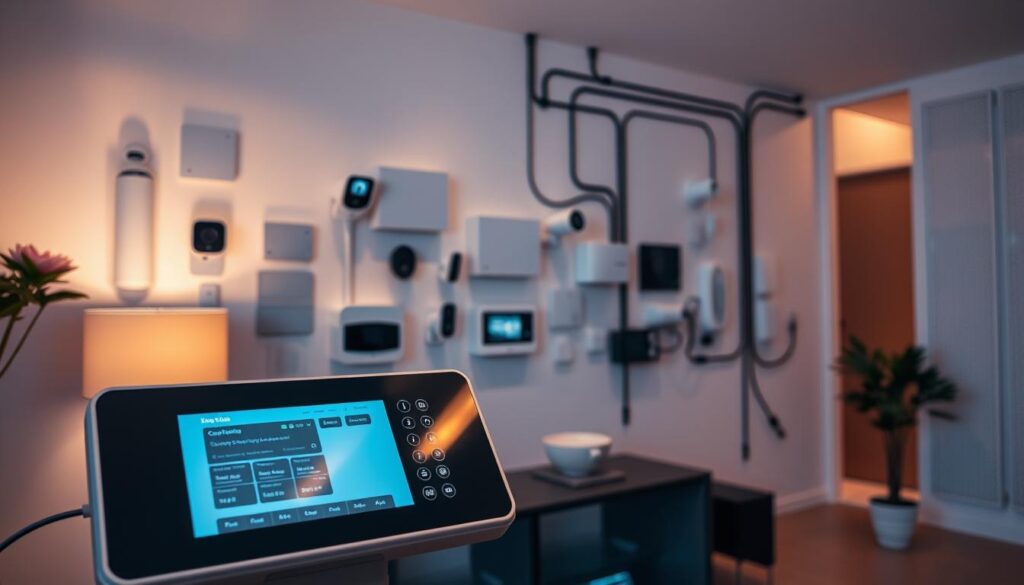
A clear plan for cabling, hubs and device placement makes installs faster and reduces surprises.
When to choose professional fitting
Monitored alarm systems usually need to be professionally installed to meet insurer or monitoring centre standards. If you plan police or keyholder response, opt for a pro fit to ensure compliance and reliable wiring.
If you live in a rented flat or want low fuss, choose wireless, battery kits that are DIY‑friendly and easy to move later.
Battery care, subscriptions and cloud storage considerations
Battery‑powered sensors save on cabling but need regular checks. Replace batteries annually and run scheduled tests so alerts keep working.
Decide if you need cloud history. Subscriptions give extended video retention and advanced tech features, but they add ongoing cost. Keep only the services you use.
| Pathway | When to pick it | Main pros | Main cons |
|---|---|---|---|
| DIY wireless | Small flats, renters, simple setup | Low cost, flexible | Battery checks, possible coverage gaps |
| Professionally installed | Monitored alarms, complex wiring | Reliable, insurer‑compliant | Higher upfront cost |
| Hybrid | Monitored hub + DIY extras | Balanced cost and coverage | Requires compatibility planning |
Quick practical tips:
- Plan cable runs or hub locations before drilling.
- Use repeaters for large properties to boost wireless range.
- Document serial numbers, placement and install dates for policy records and police evidence.
Your step-by-step buyer checklist
A quick walkthrough of your property helps you spot entry points, pipes and fragile areas to protect. Keep the list short and focus on the risks that matter most to your policy and daily needs.
Assess property risks and insurer requirements
Start by listing risks: doors, windows, loft tanks, outbuildings and water sources. Match these to any standards or alarm grades your insurer asks for.
Tip: note any areas insurers might ask about on a home insurance policy form, and record photos or receipts for installations.
Select devices, verify compatibility and coverage
Shortlist detectors and cameras that work with your phone and router. Confirm each device actually covers the rooms you listed and fits the cover your policy requires.
Plan monitoring, alerts and keyholder protocols
Decide who gets alerts first and how you escalate an event. If you use monitored response, keep nominated keyholder contacts updated; many services expect a keyholder within 20 minutes.
- Confirm Wi‑Fi strength where devices sit; add a mesh node for weak spots.
- Prioritise leak and smoke/CO detectors now, add cameras or extra sensors later.
- Document serials, install dates and keep receipts with your policy paperwork.
- Test all notification paths, rehearse actions and set battery reminders.
- Keep an eye on firmware and app updates that affect performance or security.
Before you finish, check your insurer has the new device details on file. For guidance on how technology affects cover, see this guide to smart tech and cover.
Make your smart home safer today with the right cover
Pick a policy and setup that focus on preventing damage, not just paying out afterwards. Choose tools and cover that give you quick alerts and the means to act fast so you get real peace of mind.
Keep an eye on your property from anywhere with reliable detectors, sensors and cameras that suit your layout. Start with leak and smoke/CO detectors, then add door/window sensors and a video doorbell this month.
Compare an insurer‑led bundle like Neos by Aviva with a DIY route, update your cover details after installation, and prioritise stable connectivity over flashy extras. For a practical guide to devices and choices, see this guide to devices.
Small steps now build stronger protection and lasting peace of mind. Check settings each season, replace batteries, and tell your insurer about any monitoring conditions so claims run smoothly.
🏠 Explore More Home Insurance Guides
View All Home Articles → Connected Home Insurance Policy Canada

Get comprehensive homeowners coverage USA for Your Home

Find the Best Home Insurance for Homeowners USA

Get Quotes for Mortgage-Linked Home Insurance UK

Home Protection Insurance Canada: Safeguard Your Home

Property Owner Insurance Policy Australia: Protect Your Assets
Go up
Leave a Reply